

Shopify

What is Shopify?
Shopify is an ecommerce platform that allows users to create and manage online stores. It provides tools to design the website, manage products, process payments, and handle shipping. It also includes integrations with social networks and marketplaces to expand product sales. It is popular for its ease of use and scalability, enabling both small and large businesses to manage their online sales operations.
Shopify integration guide
To integrate OrkestaPay with the Shopify platform, it is necessary to follow these steps:
1 - Register an account
You must have a merchant account in OrkestaPay to carry out the integration.
2 - Copy integration credentials
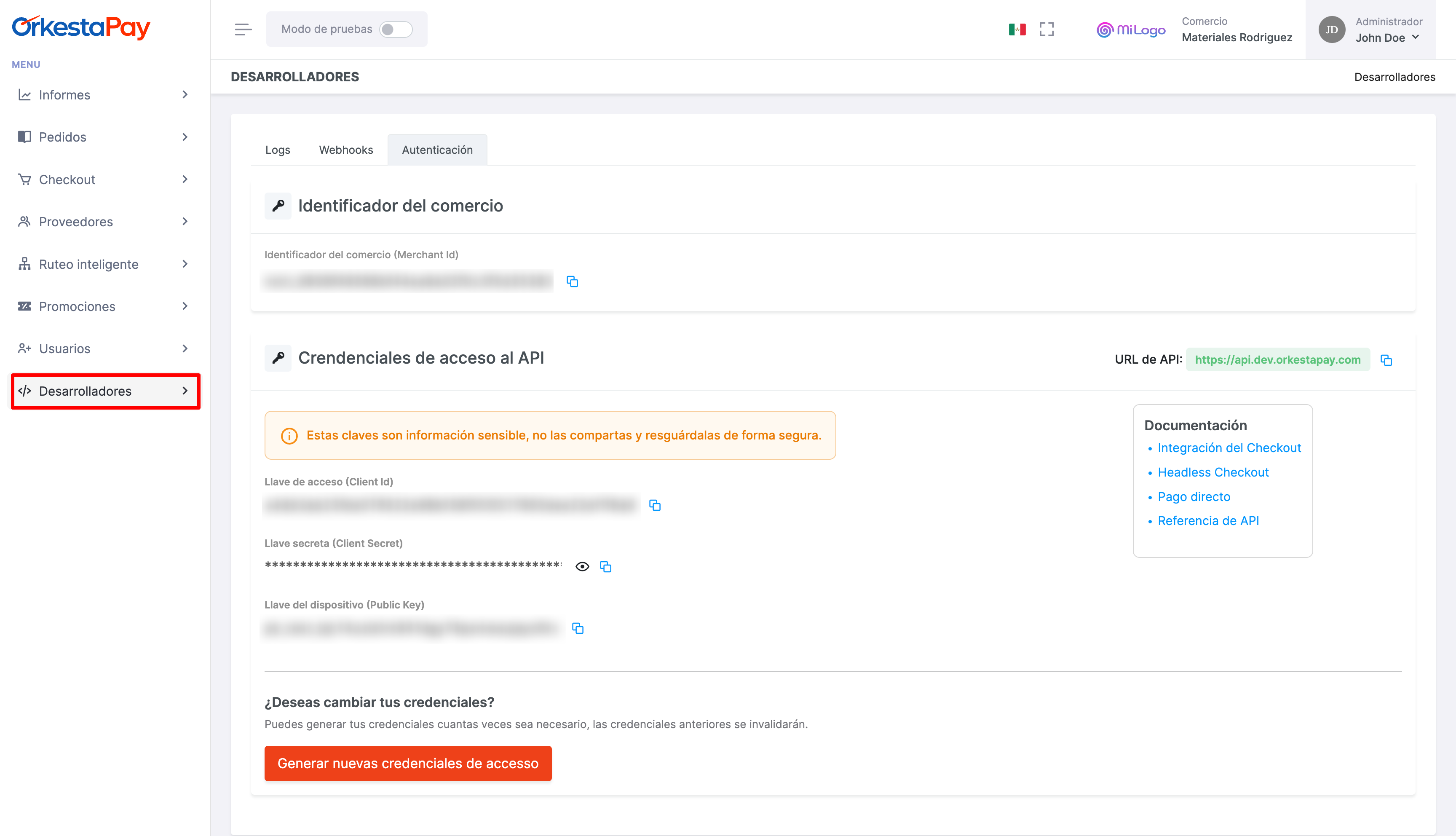
Once you have registered your account, go to the Developers section found as an option in the side menu.
You must copy and save the credentials shown on screen, as you will need to enter them in the plugin configuration screen later.
3 - Install the payment app in Shopify
To use OrkestaPay, follow these steps:
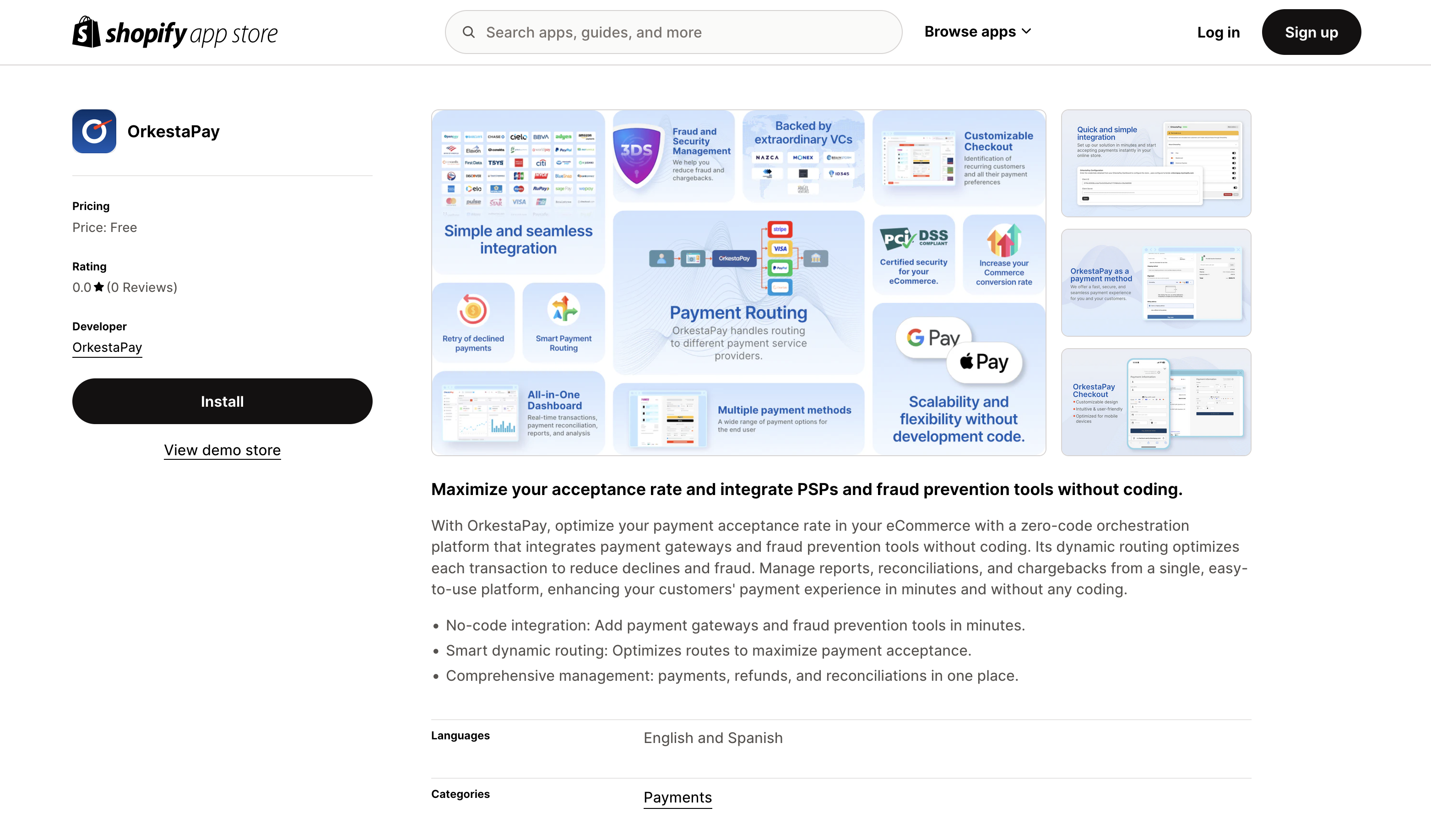
- Enter the link: https://apps.shopify.com/orkestapay
- On the app listing page, click "Install". If you already have a Shopify session, it will ask you to select the store where you want to install the payment app.
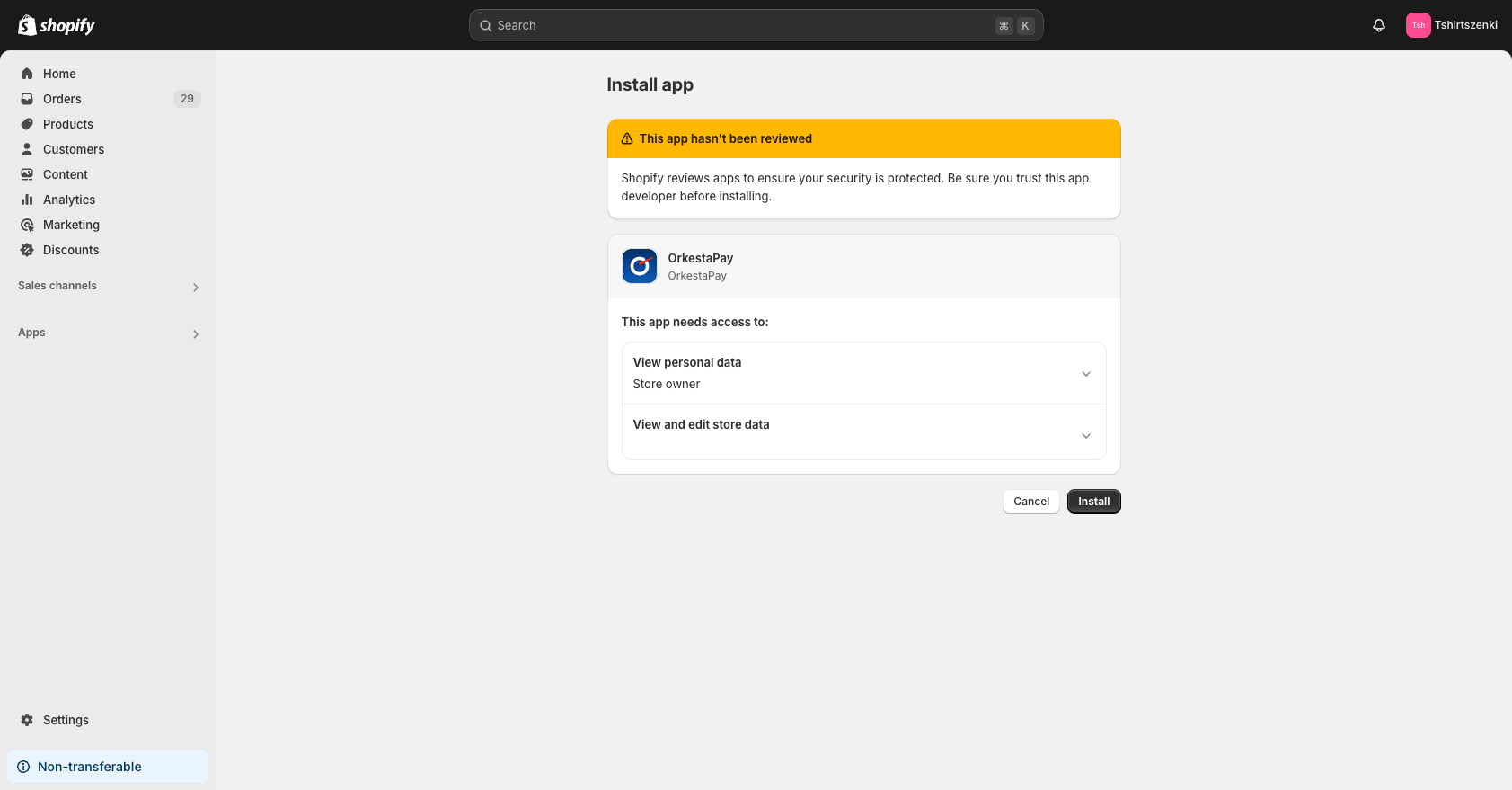
- In the Shopify admin panel, click Install to authorize the use of the app.
4 - Configure credentials
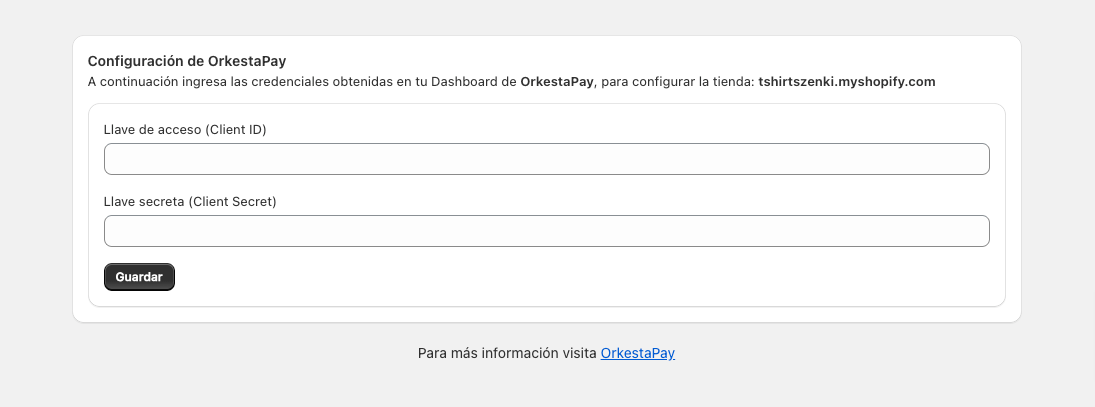
Enter the OrkestaPay credentials you obtained in "Step 2" of this guide and click the "Save" button.
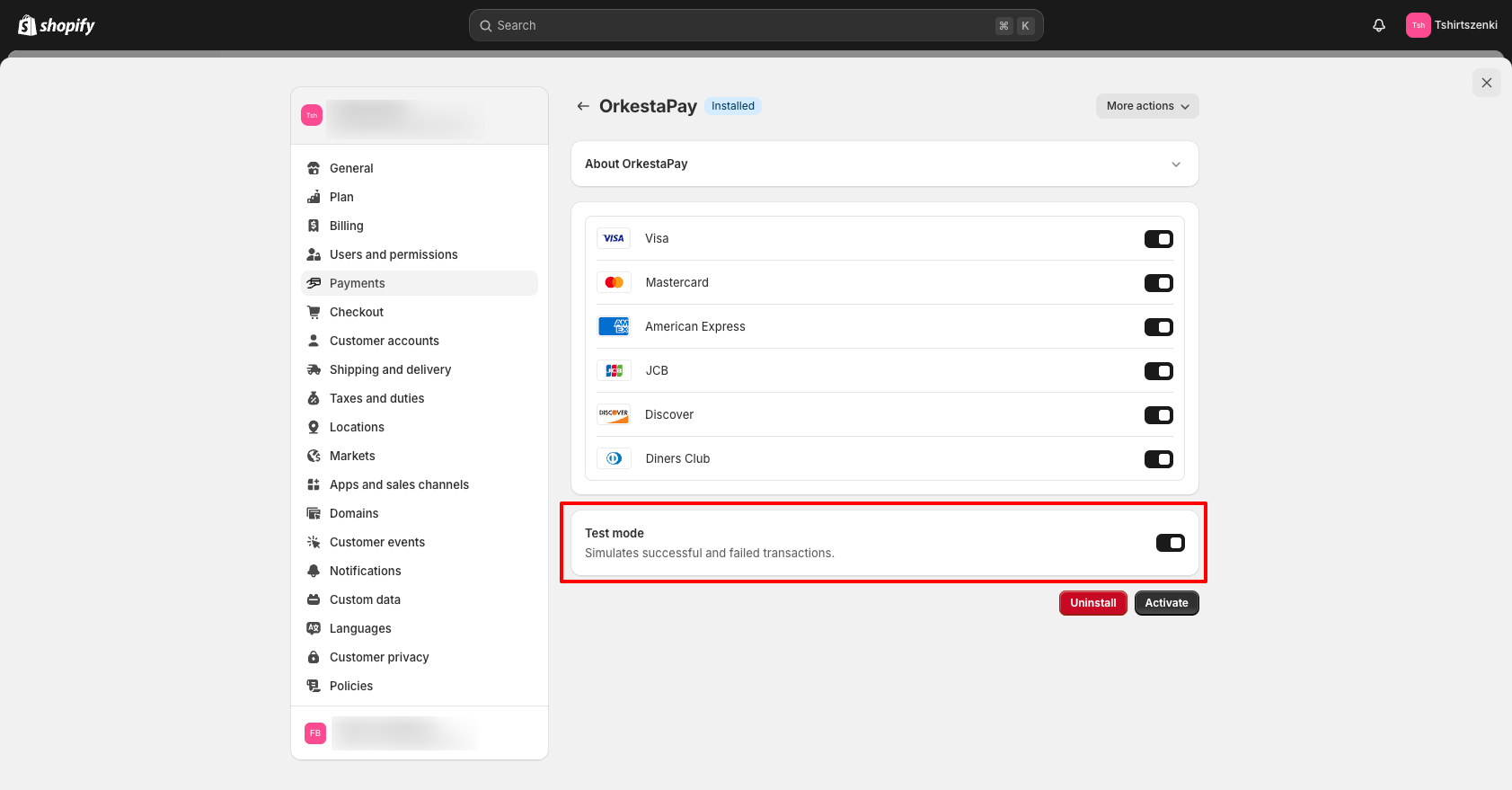
5 - Activate the OrkestaPay app
To perform payment tests, enable test mode (Test mode) and then click the "Activate" button.
Done! With this you can now start receiving payments through OrkestaPay.
Updated 4 months ago